

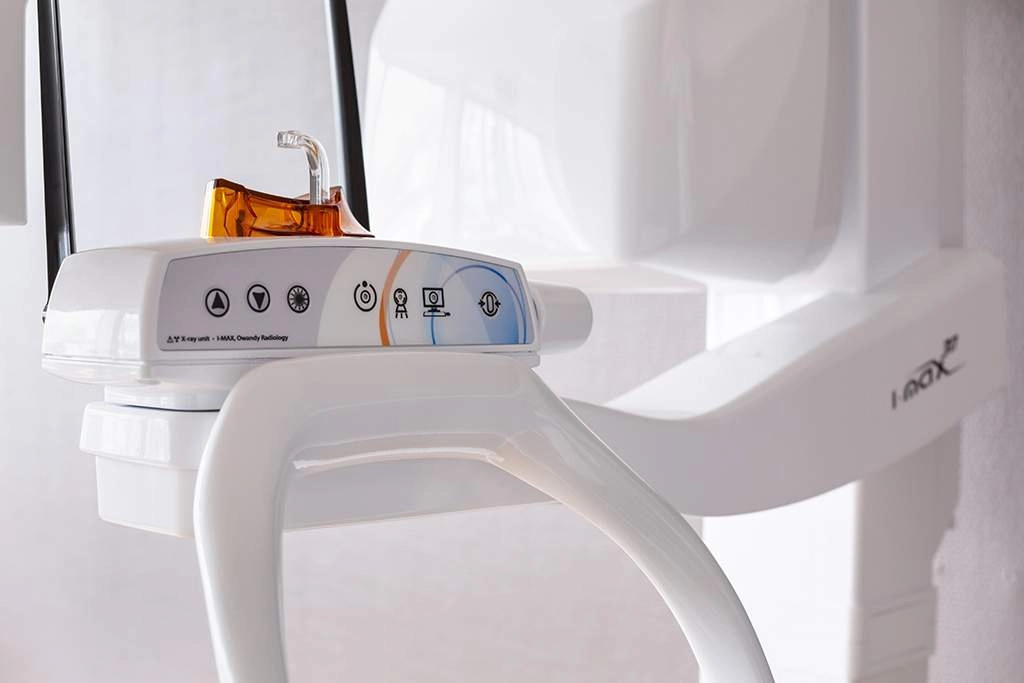
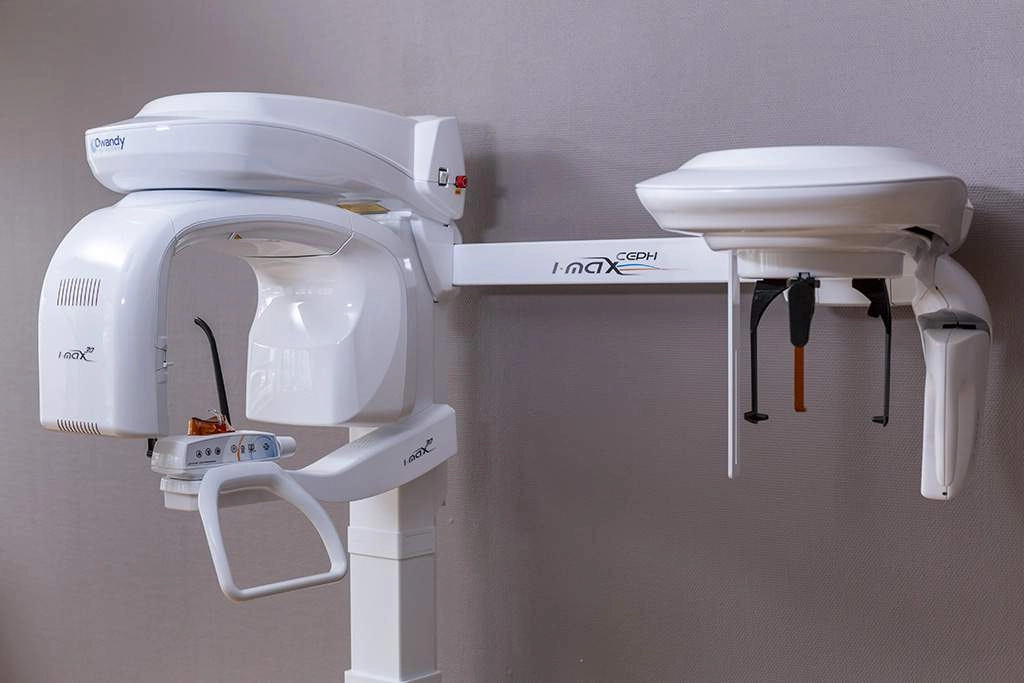



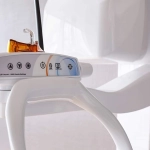
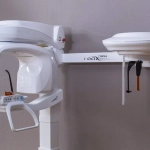

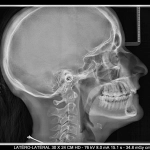
A multi-purpose diagnostic tool
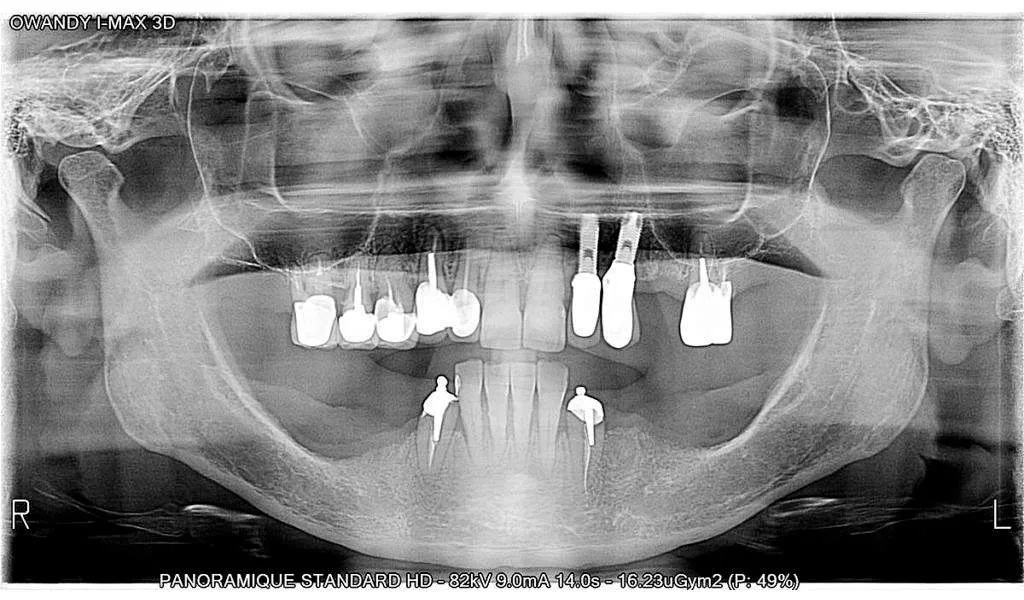
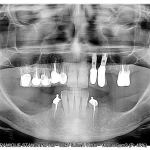
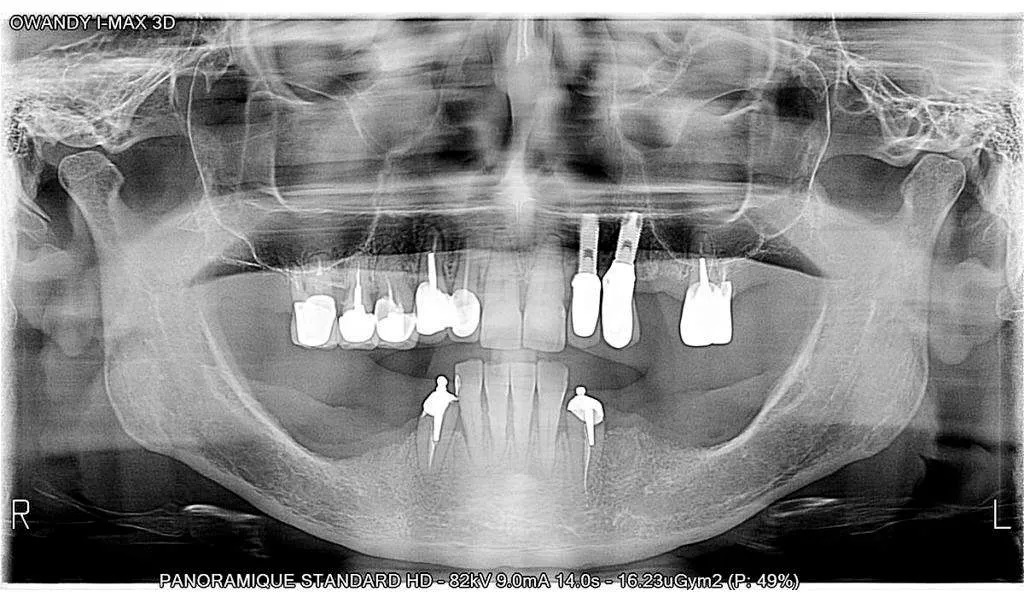
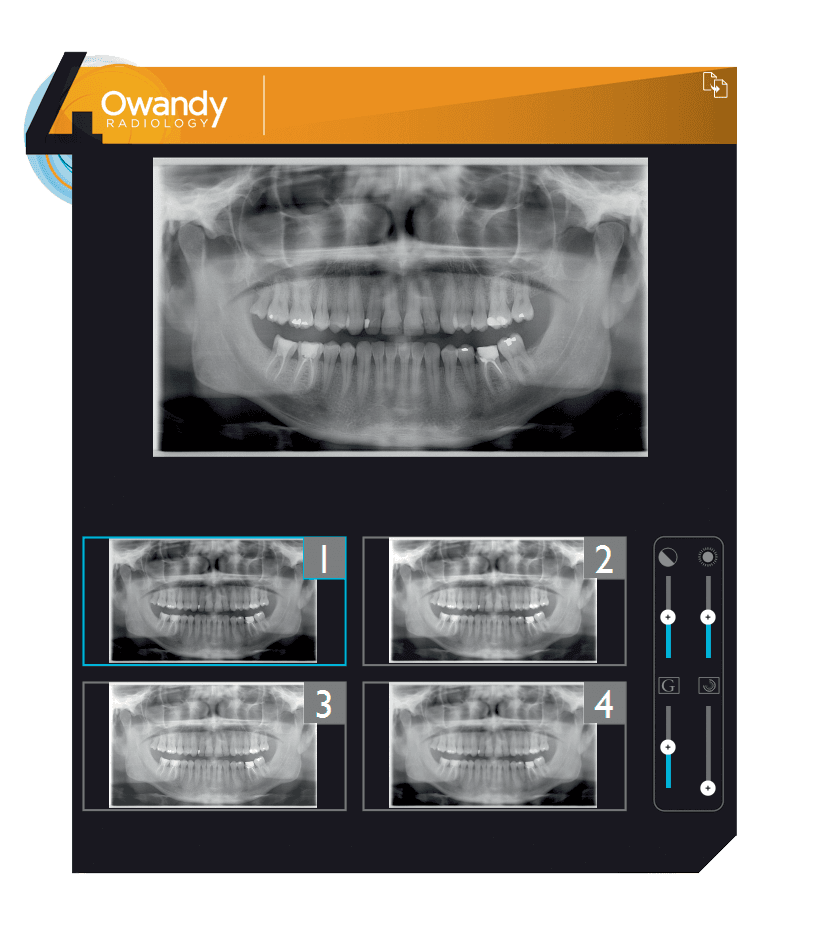
- 2D Panoramic Carry out all the examinations you need to do, in ultra-high definition.
- 3D Panoramic The 3D I-Max enables you to probe deeper to achieve more accurate diagnostics.
- CAD/CAM Scan your impression trays, plaster models and radiological guides.
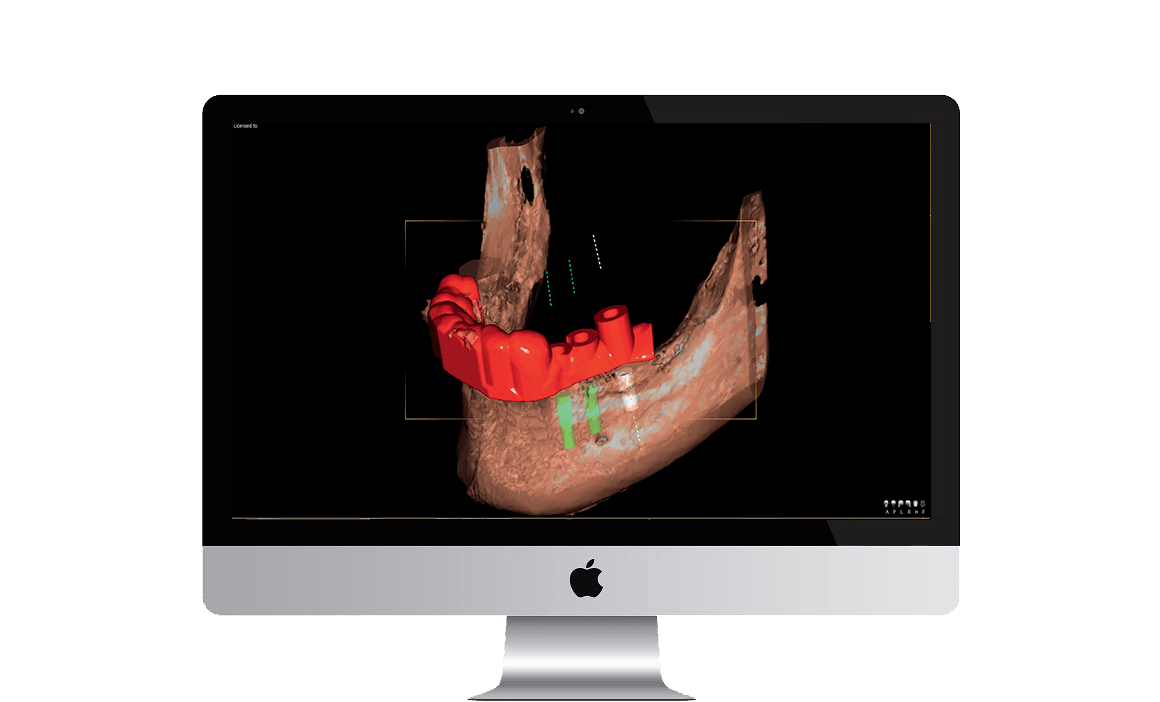
- GUIDE The 3D I-Max and related Quickvision 3D software will enable you to create surgical guides that are ready to print.
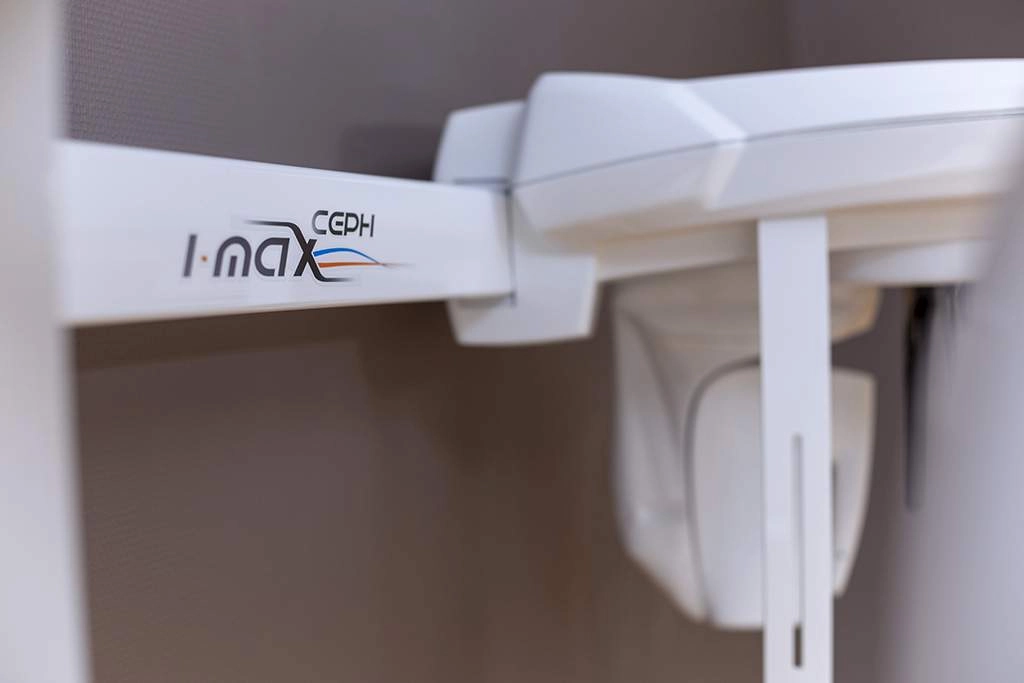
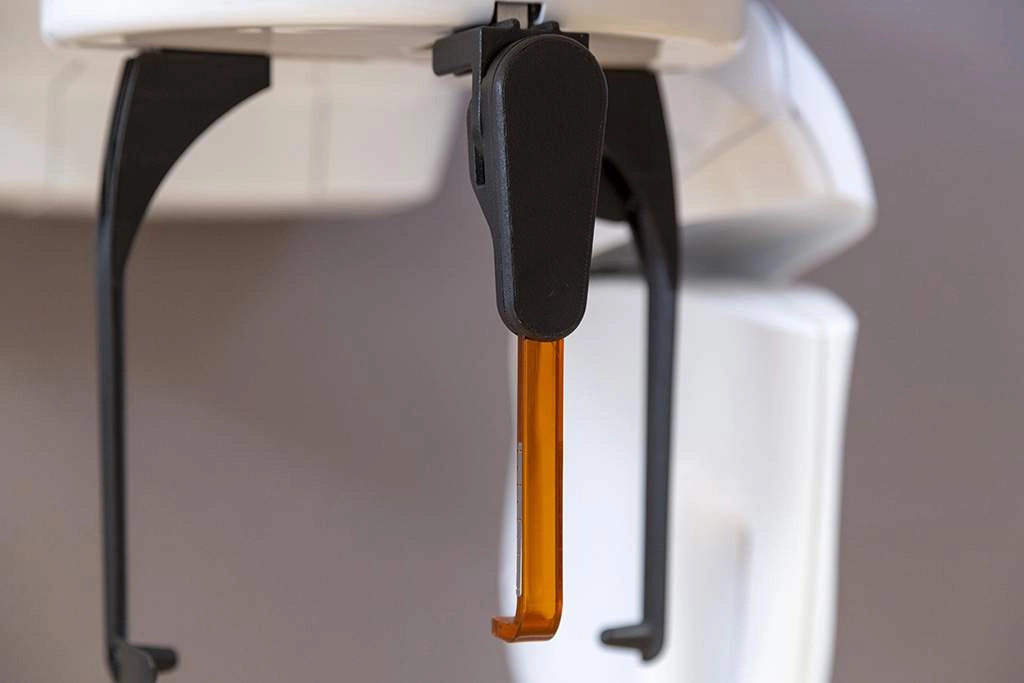
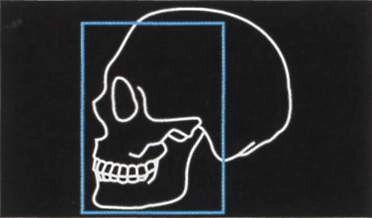
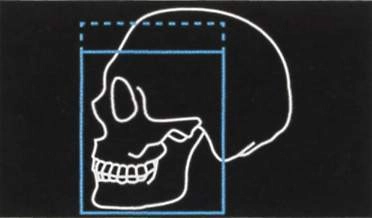
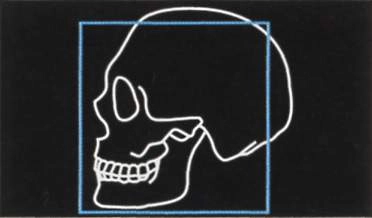
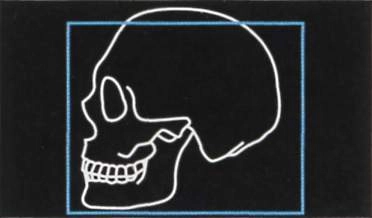
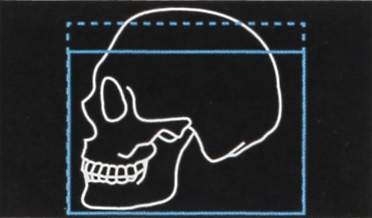
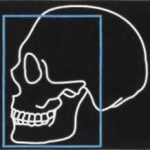
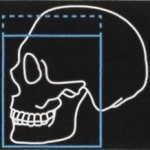
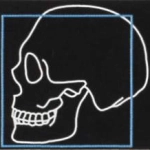
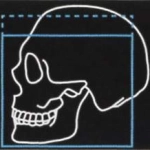
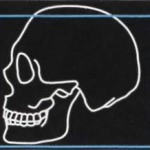
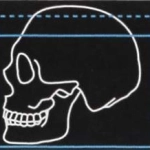
A CONTROLLED BUDGET The best quality/performance ratio on the market. SLEEK & STYLISH A sleek, stylish design delivering an optimum performance. CREATION OF SURGICAL GUIDES Safer surgery with greater control over movements. SOFTWARE COMPATIBILITY Compatible with all leading management software on the market 3D CONE BEAM MULTI F.O.V 18 3D programmes with F.O.V ranging from 12x10cm to 5x5cm. EXCEPTIONAL IMAGE QUALITY You'll be able to view all clinical and anatomical details with maximum precision. An intelligent cephalometric unit The 3D I-Max Ceph adapts to suit your needs and offers a range of reduced dose programmes Lateral view 18 X 24 cm 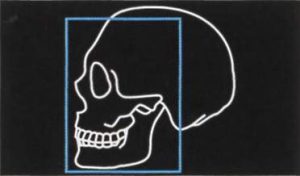 Lateral view 18 X 18 cm (reduced dose)
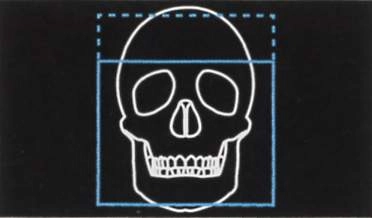
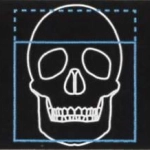
 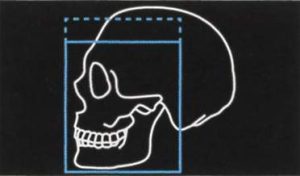 Frontal view 24 X 24 cm
 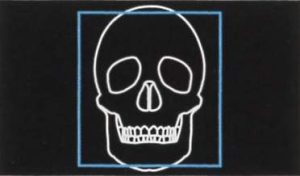 Lateral view 18 X 24 cm
 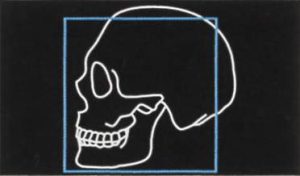 Lateral view 24 X 18 cm (reduced dose)
 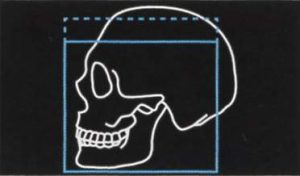 Frontal view 24 X 18 cm (reduced dose)
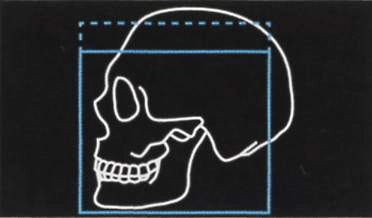
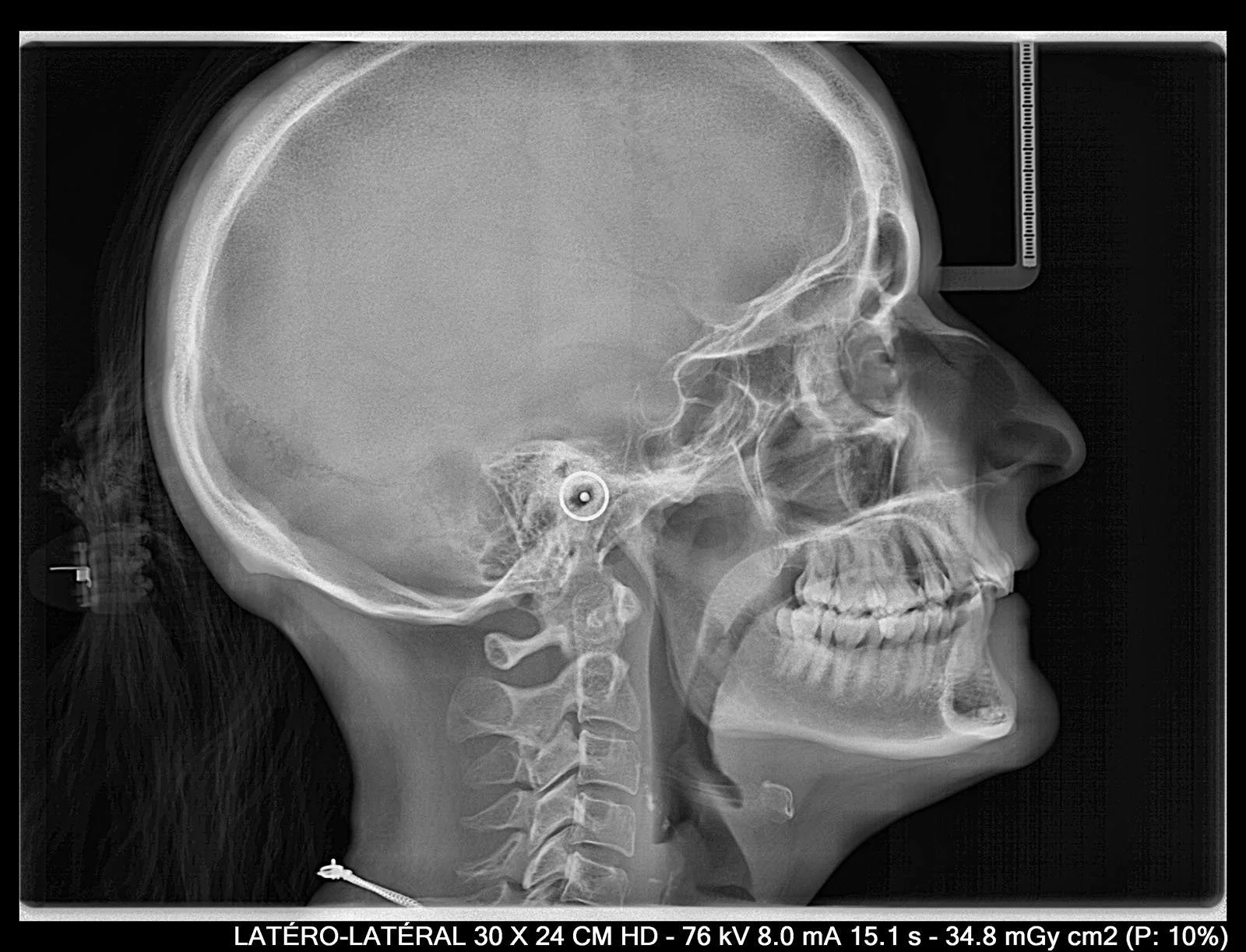
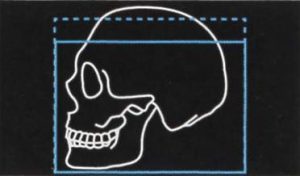
 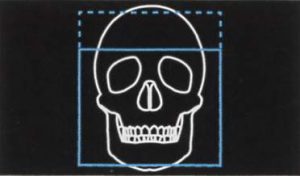 Full head lateral view 30 X 24 cm
 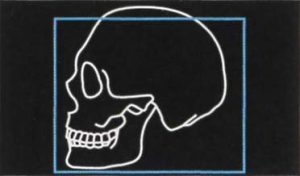 Full head lateral view 30 X 18 cm (reduced dose)
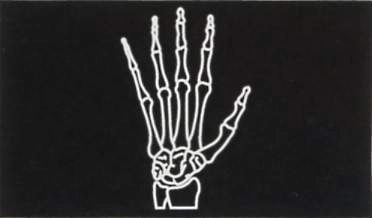
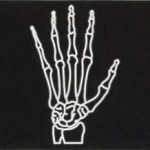
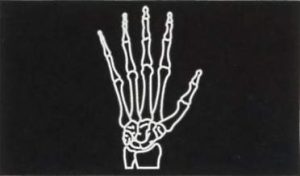
  Carpus 18 X 24 cm
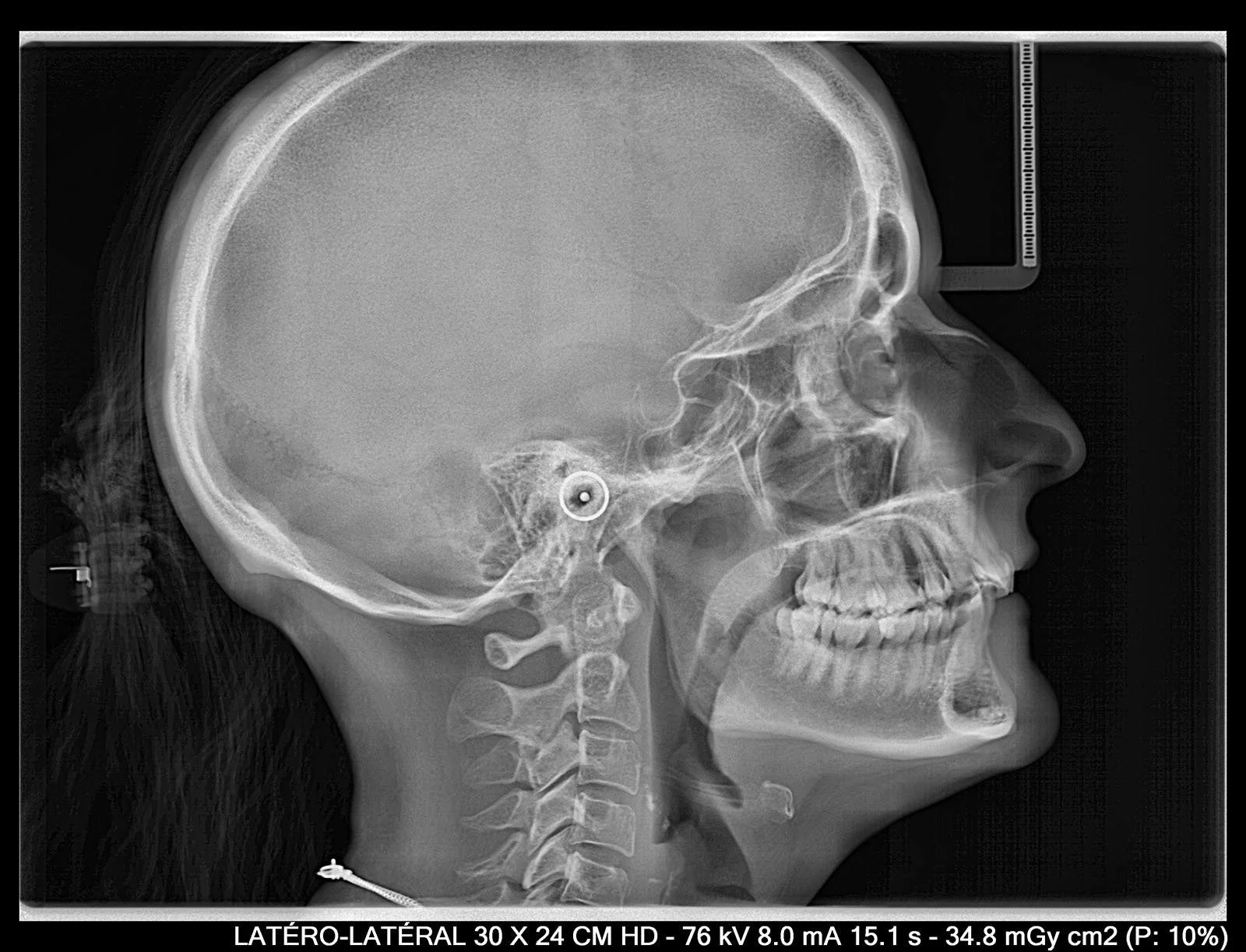
  Exceptional quality images The 3D I-Max Ceph features a latest-generation CMOS sensor for high definition images.
  For all dental practices Specially adapted programmes The 3D I-Max Ceph features a wide range of programmes that can be used for any type of examination your practice requires (child / adult): Incorporating ALI-S (Automatic Layers Integration System), the unit directly and automatically selects the best sections in order to display a perfect image, without any form of operator involvement.
- Complete dental volume + condyles (optional)100
- Left / right TMJ
- Sinuses
- Maxillary volume / Mandibular volume
- Frontal maxillary
- Left / right maxillary premolar
- Left / right maxillary molar
- Frontal mandibular
- Left / right mandibular premolar
- Left / right mandibular molar
Although there are 1001 ways to treat a particular case, there is only one correct diagnostic. The 3D I-Max Ceph has been developed with this concept in mind. Functionalities include 2D, 3D, surgical guides and a scanner, designed to help you obtain a more accurate medical diagnostic.
 Easy to use
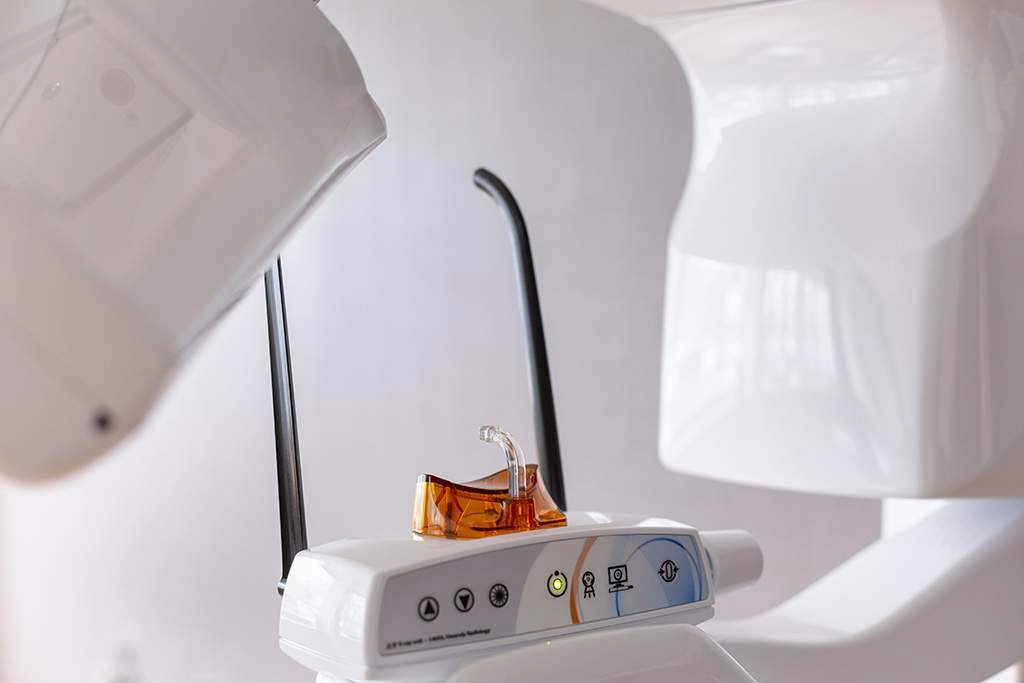
- The 3D I-Max panoramic unit adapts to suit you and your current needs.
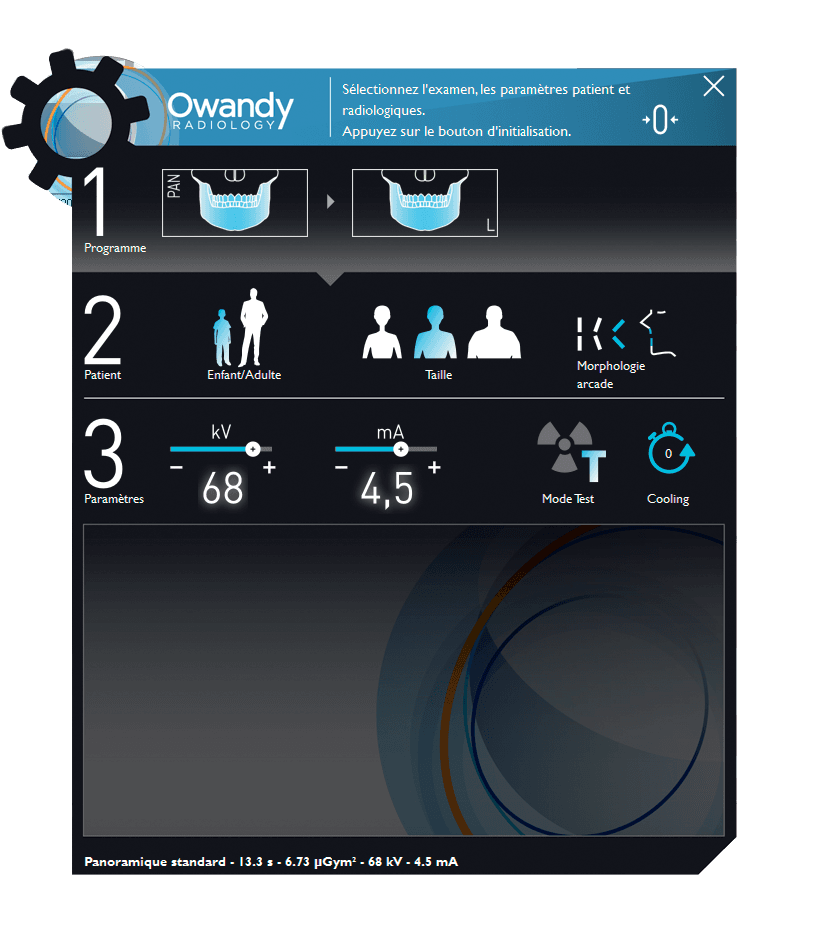
- Its user-friendly interface means you can switch easily between 2D and 3D exams.
No need for optical impression cameras! Dental CAD/CAM made easy! Consolidating all the stages that enable bone tissues and soft tissues to be superimposed means that CAD/CAM has never been easier! Save your moulding procedures in plaster or alginate, and get a digital model in just a few minutes. You can print your guide out yourself, or outsource print tasks by exporting the .stl file.
- Cone Beam exams Carry out your Cone Beam examinations using your predefined patient programmes.
- Digital impressions Scan your plaster or silicone mould to create a digital dental impression.
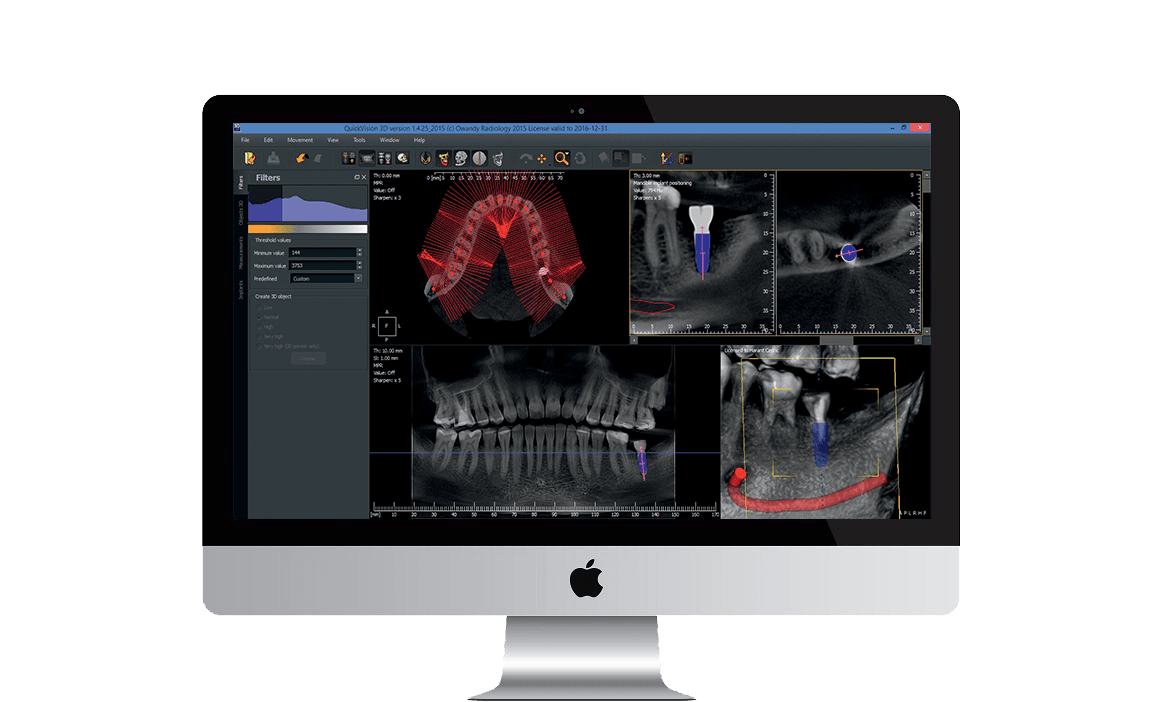
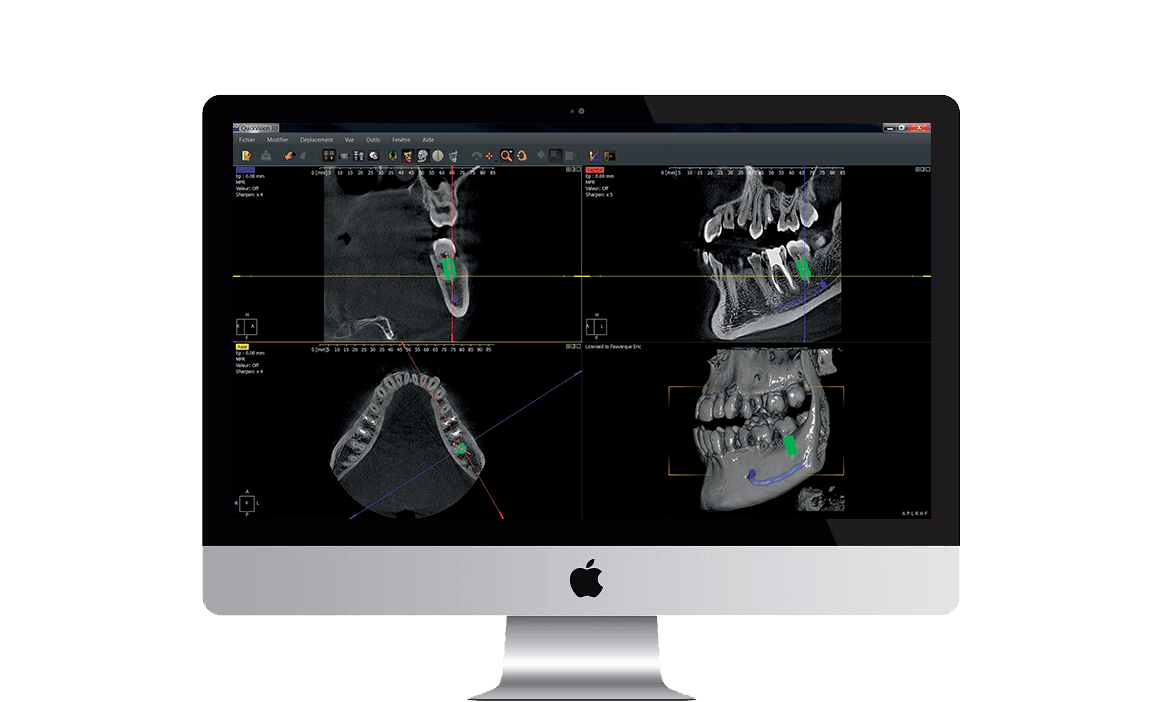
- Implant positioning Position your implant with the crown using the 3D QuickVision software, while controlling the angulation.
- Printing your guides Export the .stl file to print your surgical guide.
From moulds to scans in record time Super-easy scanning of impression trays, plaster models and radiological guides. Maintain your own methods while developing them at the same time Super-easy scanning of impression trays, plaster models and radiological guides. Broaden your treatment capacity With Owandy Radiology you can examine airways using your QuickVision 3D software!
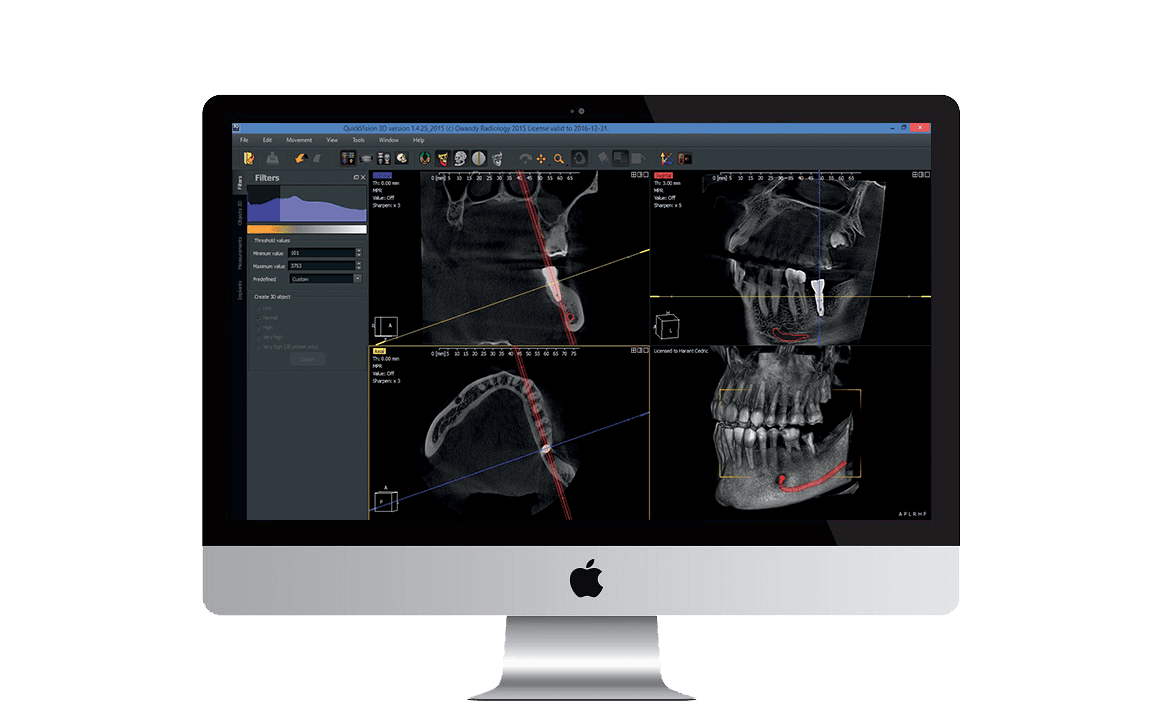
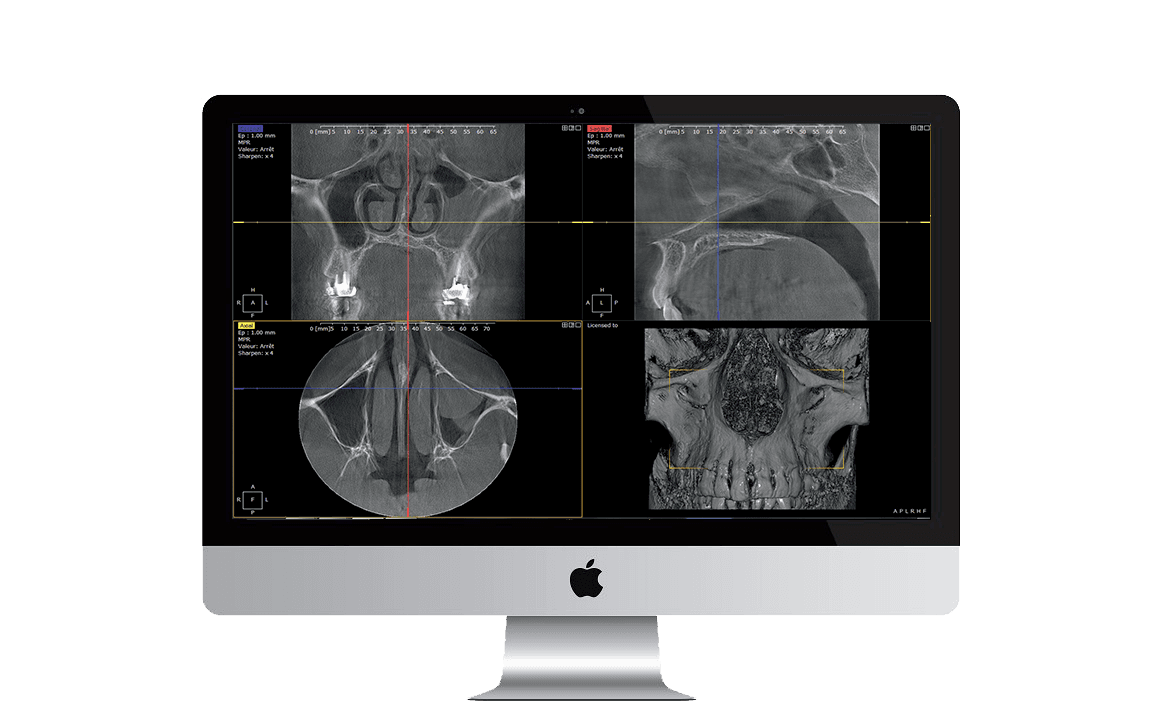
QuickVision 3D QuickVision 3D is extremely comprehensive software that generates panoramic images, cross-sections and bone models from axial images that can be used to identify the mandibular canal, as well as show the 3D bone model to calculate bone density. QuickVision 3D can also be used to simulate implant placement on 2D and 3D models. To make surgery easier, it identifies the patient’s main anatomical characteristics, such as the exact place where the implant is to go, any potential collisions, and a number of other clinical details. QuickVision 3D implant planning software will prove your most trusted ally for quicker, safer and more effective prosthetic implant dentistry.